
This guide explains how to change difficulty on a Minecraft Java server—instantly via console/commands, or persistently via server.properties. We’ll also cover per-world difficulty (with plugins) and common issues.
Difficulty Options
- Peaceful — No hostile mob spawns; health regenerates quickly; hunger disabled.
- Easy — Hostile mobs spawn; low damage; hunger can’t kill you.
- Normal — Standard damage; hunger can drop you to 0.5 ❤.
- Hard — Higher damage; some mechanics tougher (e.g., zombies break doors on some versions); hunger can kill.
Quick Change (Live) — Console or In-Game
- Log in to the HostByte Game Panel.
- Select your Java server and open Console from the left sidebar.
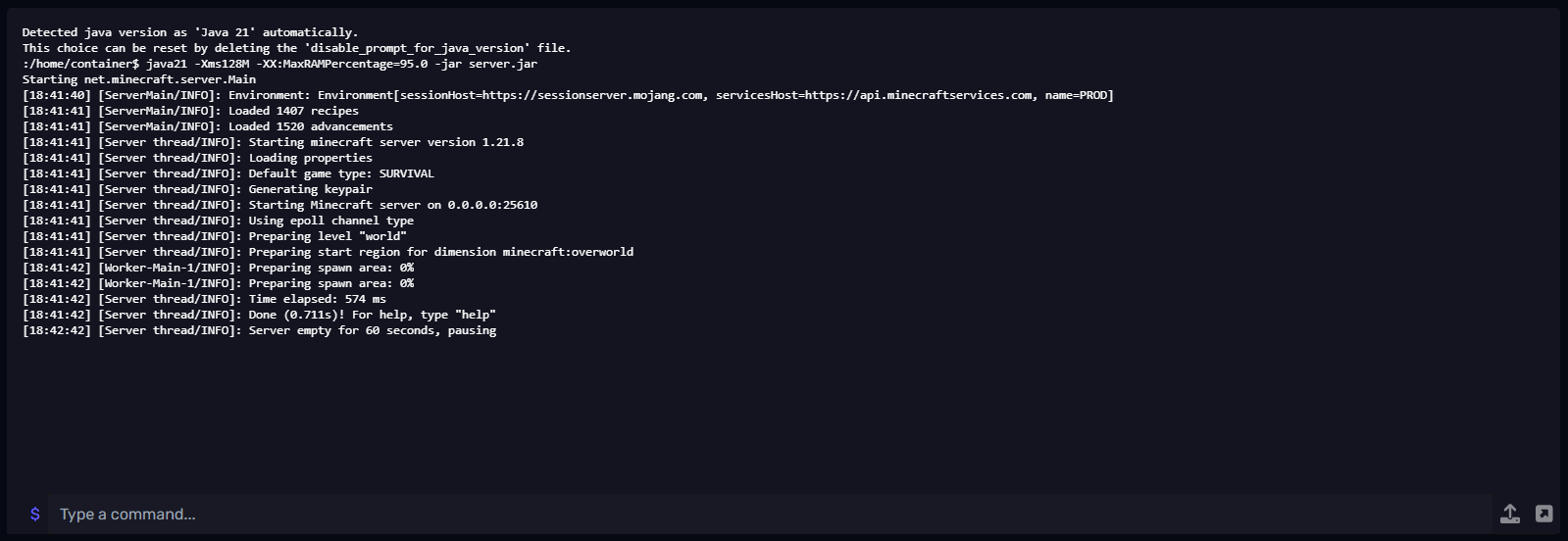
From the Console (no slash)
difficulty peaceful
difficulty easy
difficulty normal
difficulty hard
In-game (as OP)
/difficulty peaceful
/difficulty easy
/difficulty normal
/difficulty hard
Tip: You can also use numeric values in some versions (0=peaceful, 1=easy, 2=normal, 3=hard), but names are clearer.
Make It Stick on Restart — server.properties
Commands change difficulty immediately, but the setting can revert after a restart unless you set it in server.properties.
- Go to File Manager → open
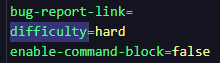
server.properties. - Set:
Allowed values:difficulty=normalpeaceful,easy,normal,hard. - Save and Restart the server.
Hardcore Servers (Optional)
- Hardcore mode bans players on death and is typically played on Hard difficulty.
- In
server.properties:hardcore=true difficulty=hard - Announce clearly to players that death is permanent (ban) unless you manually pardon them.
Command Quick-Reference
difficulty peaceful|easy|normal|hard— Set difficulty (console, no slash)./difficulty peaceful|easy|normal|hard— In-game as OP.minecraft.command.difficulty— Permission node (grant via OP or a permissions plugin like LuckPerms).
⚠️ Common Issues & Fixes
“You do not have permission”
- OP yourself (
op PlayerName) or grant the permission node via your perms plugin.
Difficulty reverts after restart
- You changed it via command only. Set it in
server.properties(difficulty=...) and restart. - Check plugins (Multiverse, Essentials, minigame plugins) that may override difficulty on world load.
One world changes, another doesn’t
- Vanilla is server-wide. For per-world settings you need a multi-world plugin and must set each world explicitly (e.g.,
/mvm set difficulty ...).
Command not recognized or “Unknown difficulty”
- Check spelling:
peaceful,easy,normal,hard. - Use the console without a slash; use the slash only in-game.
Best Practices
- Set difficulty in
server.propertiesso it persists across restarts. - For public survival, Normal or Hard are most common; lobbies often use Peaceful.
- Document your chosen difficulty and any plugin overrides for staff.
Getting Help
- Knowledge Base: See related Java guides (permissions, gamemode, Multiverse).
- Support Ticket: Log in to your HostByte account to open a ticket.
- Discord: Join our community:
- Status Page: Check maintenance/outages: status.hostbyte.net.